A suspicious login at 2:13 a.m. may look harmless on its own. So might a failed password attempt, a new administrator account, or an employee downloading an unusually large file. The problem begins when those events are connected. What is SIEM? It is the technology and process that brings security data together, identifies meaningful patterns, and helps your team respond before a small warning becomes a costly incident.
For small and midsize businesses, SIEM can provide visibility that is otherwise difficult to achieve. Instead of asking someone to manually check firewall logs, Microsoft 365 activity, servers, endpoints, and cloud applications one at a time, a SIEM platform centralizes the evidence and highlights activity that deserves attention.
What Is SIEM and What Does It Stand For?
SIEM stands for Security Information and Event Management. It combines two related security functions: security information management, which collects and stores log data, and security event management, which analyzes events in near real time and alerts security staff to potential threats.
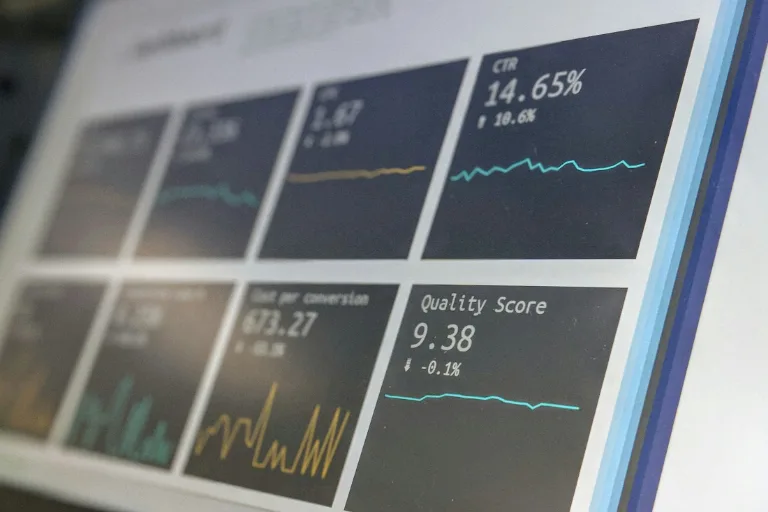
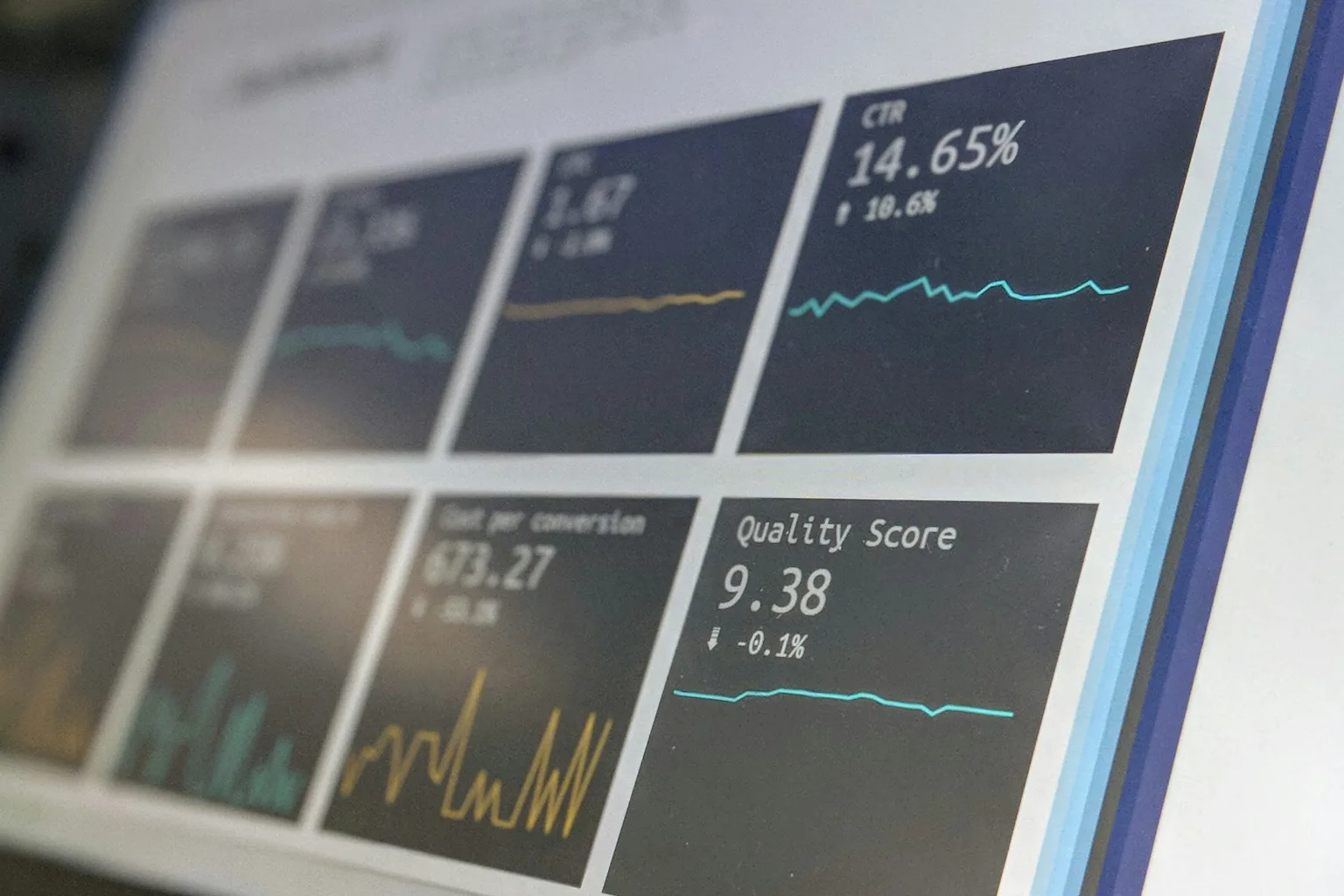
Put simply, a SIEM acts like a central security operations dashboard. It gathers records from across your environment, compares them against rules and threat indicators, and helps create an investigation trail when something looks wrong.
A SIEM is not a substitute for firewalls, endpoint protection, multifactor authentication, backups, or trained IT support. It works alongside those controls. Its role is to make the signals from those systems useful together, rather than leaving them scattered across separate portals and log files.
How a SIEM Works in Practice
Every system creates logs. A firewall records connection attempts. Microsoft 365 tracks sign-ins and mailbox activity. Servers record access attempts and configuration changes. Endpoint tools report malware detections, device health, and suspicious processes.
A SIEM collects those logs through integrations, agents, connectors, or cloud APIs. It then normalizes the information so events from different tools can be compared in a common format. From there, correlation rules, analytics, and threat intelligence identify patterns that may indicate risk.
For example, one failed login is common. But a SIEM may flag a sequence in which a user account has repeated failed logins, successfully signs in from an unfamiliar location, creates a new inbox forwarding rule, and accesses sensitive files. Each event may have an explanation. Together, they could indicate an account compromise.
When the platform detects a suspicious pattern, it creates an alert. A security professional then reviews the context, determines whether it is a real threat, and takes action such as disabling an account, isolating a device, blocking a connection, or preserving evidence for further investigation.
The Four Core SIEM Capabilities
Most SIEM solutions are built around four practical functions:
- Log collection and retention: Centralizing security-relevant records from systems, applications, devices, and cloud services.
- Correlation and detection: Connecting related events and flagging activity that matches known attack patterns or defined rules.
- Investigation and reporting: Giving IT teams search tools, timelines, dashboards, and reports to understand what happened.
- Response support: Helping teams prioritize alerts and, in some setups, triggering automated containment actions.
The strength of a SIEM depends on the quality of the data it receives and the way it is configured. If important systems are not connected, logging is incomplete, or alert rules are poorly tuned, the platform can create blind spots or generate too much noise.
Why SIEM Matters to Small and Midsize Businesses
Cybercriminals do not reserve credential theft, ransomware, business email compromise, or unauthorized access for large enterprises. Smaller organizations are often targeted precisely because they have fewer internal security resources and less time to monitor every system.
SIEM provides a practical way to improve oversight without requiring an in-house team to stare at logs around the clock. This matters for organizations handling customer information, financial records, protected health information, or proprietary business data. It also matters for any business that depends on email, cloud apps, remote access, and connected devices to operate.
A well-managed SIEM can help a business detect issues such as unusual sign-in behavior, disabled security tools, privilege escalation, suspicious network traffic, malware activity, and unexpected changes to key systems. Detection is only one part of the value. The other is faster investigation. When an incident occurs, centralized records can reduce the time spent figuring out which account, device, application, and event came first.
For regulated businesses, log retention and reporting can also support compliance efforts. Requirements vary by industry and framework, so SIEM should not be treated as an automatic compliance guarantee. Still, it can provide the evidence, access visibility, and audit trail that many compliance programs require.
SIEM vs. Managed Detection and Response
SIEM and managed detection and response, often called MDR, are closely related but not identical.
A SIEM is the platform that collects, analyzes, and presents security data. MDR is a managed service in which security specialists monitor alerts, investigate suspicious activity, and guide or perform response actions. An organization can operate its own SIEM, use an MDR provider that relies on SIEM technology, or combine both approaches.
For a business with a mature internal IT and security team, owning and managing a SIEM may make sense. That team can decide which logs to ingest, build detection rules, investigate alerts, and maintain the platform. The trade-off is that SIEM administration requires specialized expertise and consistent attention.
For many growing businesses, a co-managed or fully managed approach is more realistic. The technology is valuable, but only if someone is reviewing alerts, tuning rules, and escalating real risks promptly. A dashboard full of unreviewed warnings does not improve security.
What SIEM Can and Cannot Do
SIEM is highly effective at providing visibility and connecting security evidence. It can identify behavior that point products may not see in isolation, assist with incident investigations, and create a stronger record of security activity.
It cannot prevent every attack. It cannot make weak passwords safe, replace employee security awareness training, restore encrypted files when backups fail, or correct a poorly configured cloud environment on its own. It also cannot guarantee that every alert is a true incident. False positives are part of security monitoring, especially when a system is new or overly sensitive.
That is why SIEM should sit within a broader security program that includes identity protection, endpoint security, patch management, tested backups, network controls, email security, documented incident response procedures, and ongoing user education.
Choosing the Right SIEM Approach
The right SIEM solution depends less on brand names and more on your operational needs. Start with the systems that matter most: email and identity platforms, firewalls, endpoints, servers, cloud workloads, line-of-business applications, and remote access tools. Then consider who will monitor alerts, how quickly they can respond, and what level of log retention your organization needs.
Cost deserves a close look because many SIEM platforms charge based on data volume, users, devices, or ingestion rates. Collecting every available log may be expensive and unnecessary. Collecting too little can undermine detection and investigation. A thoughtful deployment focuses first on high-value security data, then expands as the program matures.
Alert fatigue is another common concern. The goal is not to generate the most alerts. The goal is to surface the alerts that require action. Proper tuning, defined escalation procedures, and regular reviews are essential to making the service useful for your business rather than disruptive to it.
For organizations in Virginia, Maryland, and Washington, DC, a managed security partner can help align SIEM monitoring with practical IT operations, compliance expectations, and response planning. Genius Fixers approaches security as part of the larger technology environment, because an alert only helps when the right people can act on it quickly.
A SIEM should give your organization more than another portal to check. When it is properly configured and actively monitored, it gives decision-makers clearer answers when security questions arise: what happened, what was affected, and what needs to happen next.